


In January 2026, building software feels a lot like showing up to a party with no shoes. AI is no longer a bonus feature, it’s expected. Users want fast results, real outputs, and tools that save time or money on day one.
I built my latest AI SaaS the same way I build most products now: ship a small working version first, then tighten it through testing and tweaks. The biggest surprise was how quickly an idea can turn into a publishable app when you use the right AI app builder and treat prompts like iterations, not magic spells.
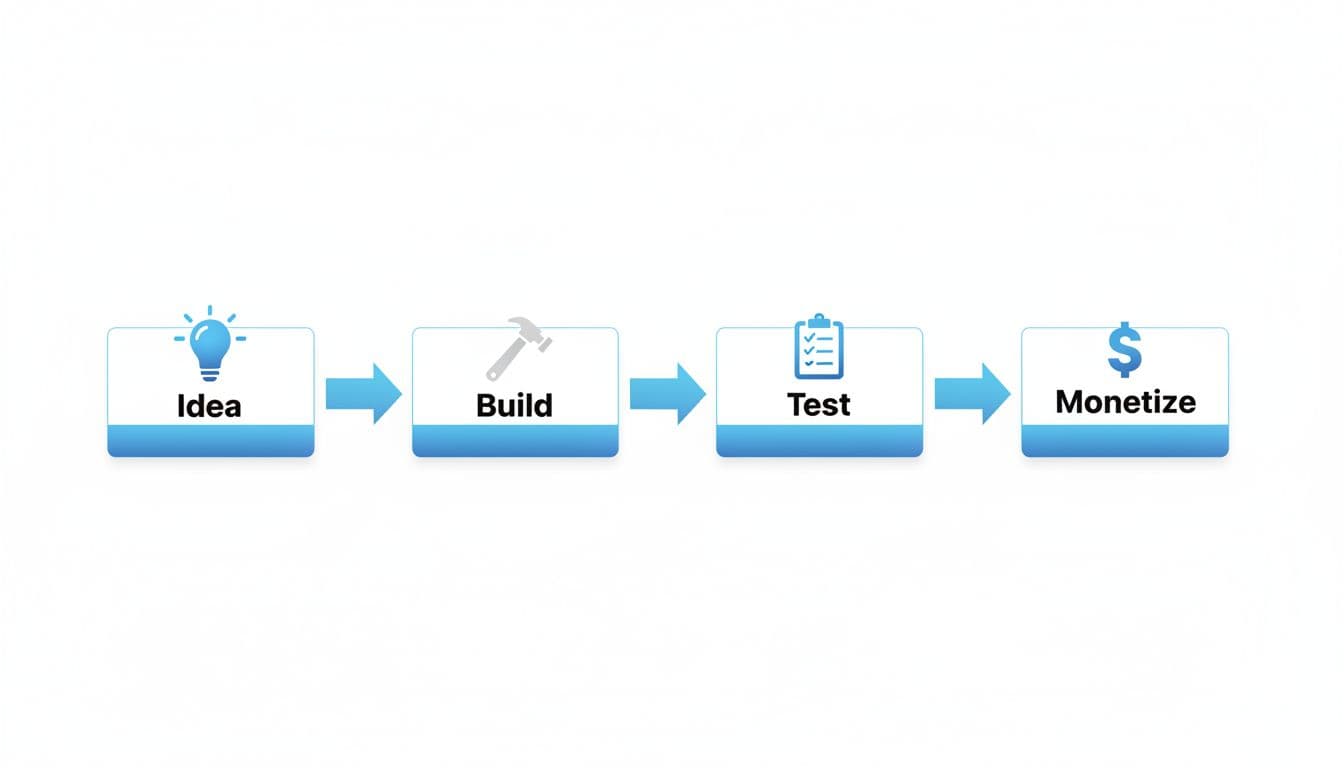 The simple flow I follow for most AI SaaS builds, from idea to monetization (created with AI).
What I Built (and why this AI SaaS idea worked in 2026)
I built an AI resume booster that takes your resume details and a job description, then generates a stronger, cleaner version tailored to that role. The problem is simple: applying for jobs takes forever, and most people either reuse the same resume everywhere or pay someone to rewrite it.
In 2026, “fast” wins. People want an output they can use right away, not a tool that requires a weekend of setup. This product gives a clear before-and-after result in minutes, which makes it easy to understand and easy to sell.
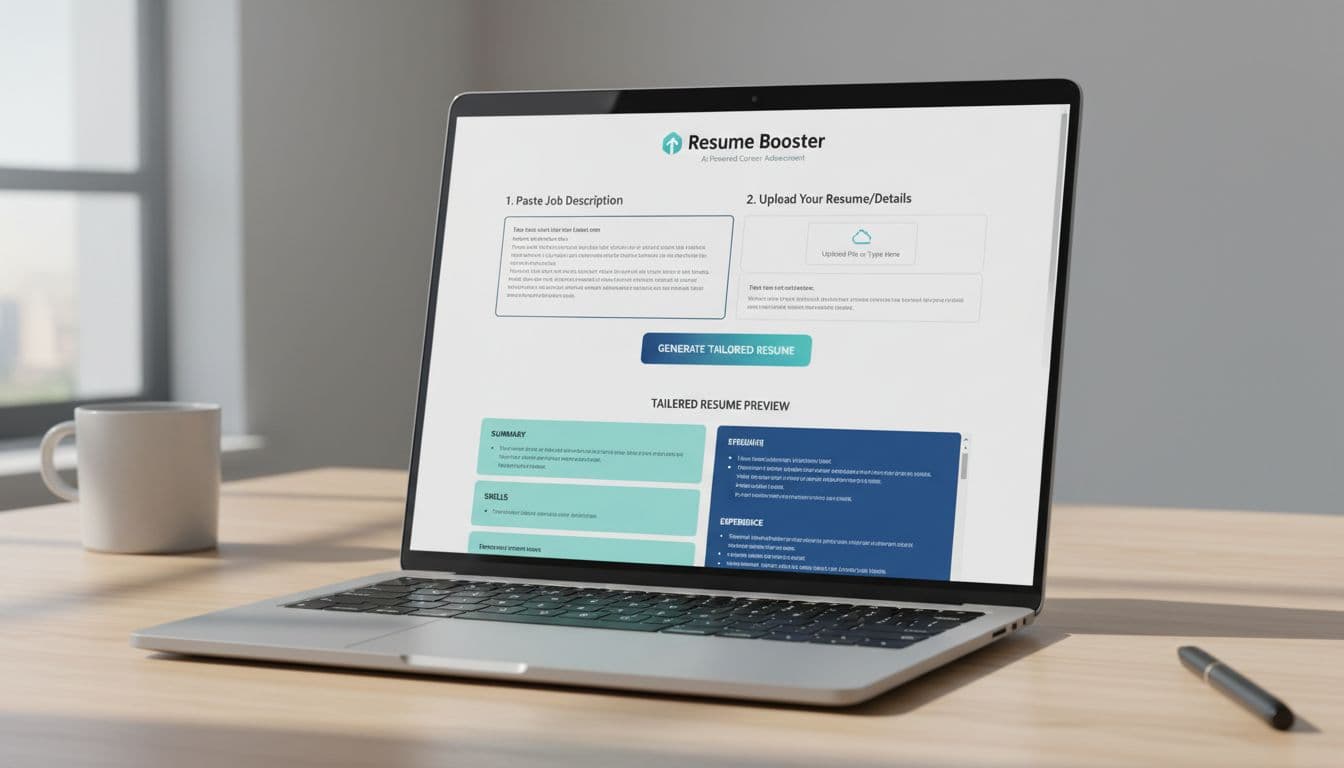 Mockup of a simple AI resume tool with a clear input and output loop (created with AI).
This idea also passed my three “don’t waste weeks” checks:
- It solves a real problem people already pay for (resume edits, career coaching, templates).
- Competition exists, but the problem is big enough to compete if the tool is faster or more specific.
- There’s a clear buyer (job seekers, career changers, students, and even recruiters offering it as a service).
How I picked the problem: simple checks that saved me weeks
I kept it boring on purpose. I used quick checks I could answer in plain English:
Who has this problem? People applying to jobs weekly.
How often does it happen? Every new application and every new role.
What do they do today? Copy, paste, tweak, hope, or pay someone.
What does it cost them? Hours per week, plus missed interviews.
What does a win look like? A resume that gets more callbacks.
I also looked at existing tools for validation without copying. The goal wasn’t to “beat” them head-on. It was to find a sharper angle, like “resume + job description alignment,” and build a tighter loop.
If you want inspiration on the kinds of products people are building with AI app builders, this roundup is a useful scan: best AI app builders for 2026.
What makes AI SaaS different in 2026 (costs, trust, and speed)
Two things changed the game.
First, AI features cost money every time they run. If your app calls a model for each user action, your costs can climb fast. That’s why usage tracking matters early, even if you’re small.
Second, user expectations are higher now. Big platforms pushed copilots and agents into everyday tools, so customers trust AI more than they did a few years ago. But they also expect basics: reliability, clear value, and privacy hygiene (simple explanations, sensible defaults, and control over data when possible).
How I built it fast: from prompt to working app, then polish
I used an AI app builder community approach, the kind where you can generate a SaaS-style project from a single prompt, then iterate. Tools like this are especially useful because you can explore other projects people share, which helps you pick better ideas and avoid dead ends.
For AI features, I tested image-style apps too, including an “image-to-figure” generator powered by newer image models (one example I tried used Nano Banana). The big takeaway: integrating AI manually can take a lot longer and cost more in dev time, so starting with a generated foundation is a shortcut that actually holds up if you test it properly.
The part most people miss: one prompt isn’t enough. You ship something rough, then you tighten it step by step.
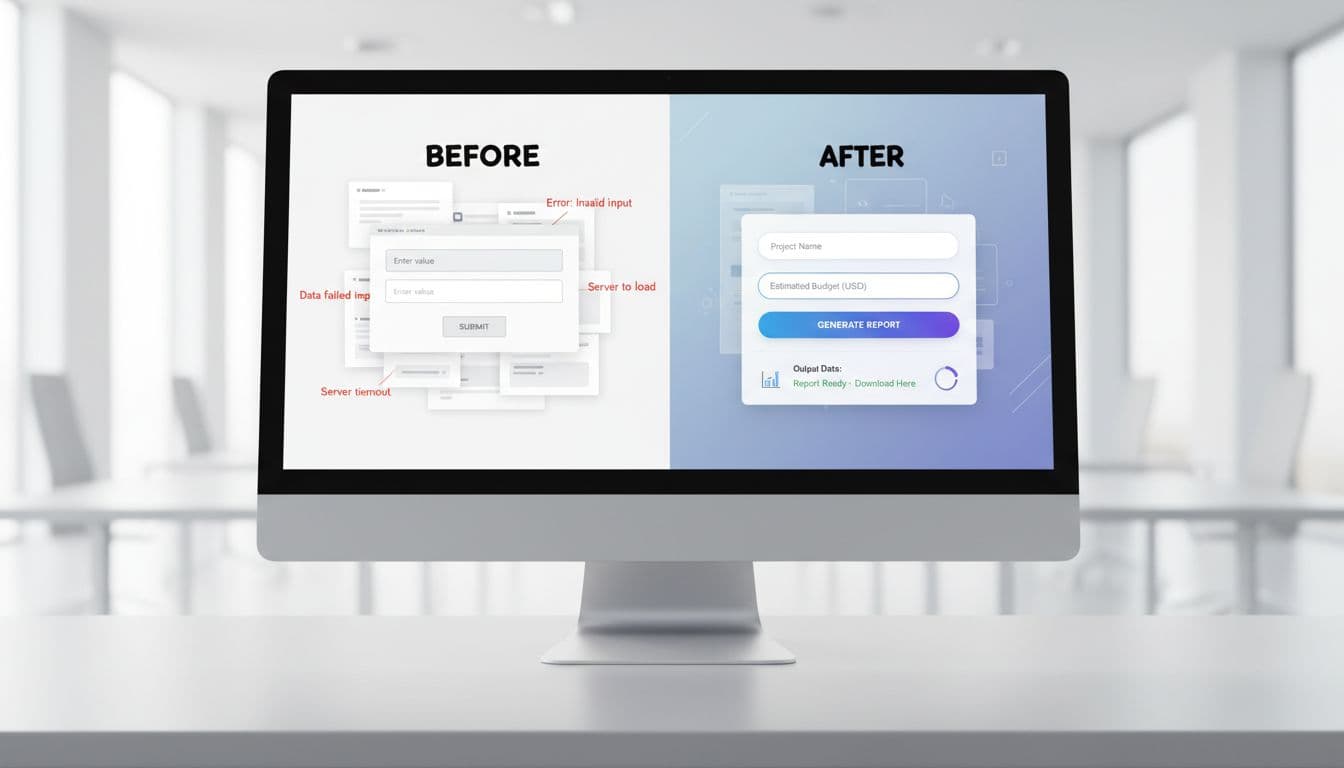 What iteration actually looks like, a rough MVP on the left, a cleaner version on the right (created with AI).
My build workflow: MVP first, then iterate like a developer
Here’s the workflow I followed, and it’s repeatable:
- Write the first prompt for the smallest version that works (input, output, one core action).
- Run the app and try to break it like a rude user would.
- Write down issues (bad outputs, confusing UI, missing steps, slow actions).
- Fix one thing at a time with prompt edits, not a giant rewrite.
- Publish only after the core flow works end-to-end.
A small habit that saved me time: when something breaks locally, I take a screenshot of the error and ask for a targeted fix. Most issues are boring setup problems, and they’re usually quick to resolve once you stop guessing.
Launch basics: logo, onboarding, and a clean first-time user flow
I kept branding simple. A basic AI-generated logo is enough at the start, then you can refine it in a design tool like Canva.
For onboarding, I aimed for a three-step first run:
Sign up, paste or upload info, generate output, download. That’s it.
Animations, extra colors, fancy sections, those come after the core output is reliable. In 2026, people don’t pay for “cool.” They pay for “it worked on the first try.”
3 monetization methods I used (and how to choose the right one)
Monetization is easier when you pick a lane. In early 2026, most successful AI SaaS pricing falls into a few buckets: subscriptions, usage-based credits, add-ons, or hybrids. The big rule is no surprise bills.
If you want a deeper look at usage-based thinking for AI products, this guide is helpful: building and monetizing AI model APIs.
Method 1: Platform incentive credits (get paid when people use your app)
Some AI app builder platforms have incentive programs.
You publish your app. Users spend platform credits to run it. You earn credits based on usage, and once you hit the minimum threshold, you can withdraw.
This works best when you want fast validation without spending much on marketing. It’s also great when you’re new, because the platform already has traffic and people actively trying projects.
Method 2: Sell it as a service on freelance platforms (fast cash, low risk)
This method is straightforward: you sell builds for clients.
A clear offer works better than a fancy one, like: “I will build an AI SaaS or automation tool for your business.” The reason it sells is simple. Custom SaaS builds with AI integrations can get expensive fast, and many clients just want something functional at a lower cost.
I’d keep it to one package priced to attract buyers, then upsell maintenance or feature upgrades later. Also, don’t post in just one place. More marketplaces means more visibility.
Method 3: Host it and charge subscriptions (real business, long-term upside)
This is the most work, but it’s the real business path.
The simple version looks like this: download the source code, run npm install, then npm run build, and upload the built files to your hosting provider. Connect a domain, then add monthly and yearly plans.
You can also add metered usage or add-ons for expensive AI actions, especially if some users run heavy jobs all day. The key is clarity: set limits and show usage so nobody gets surprised.
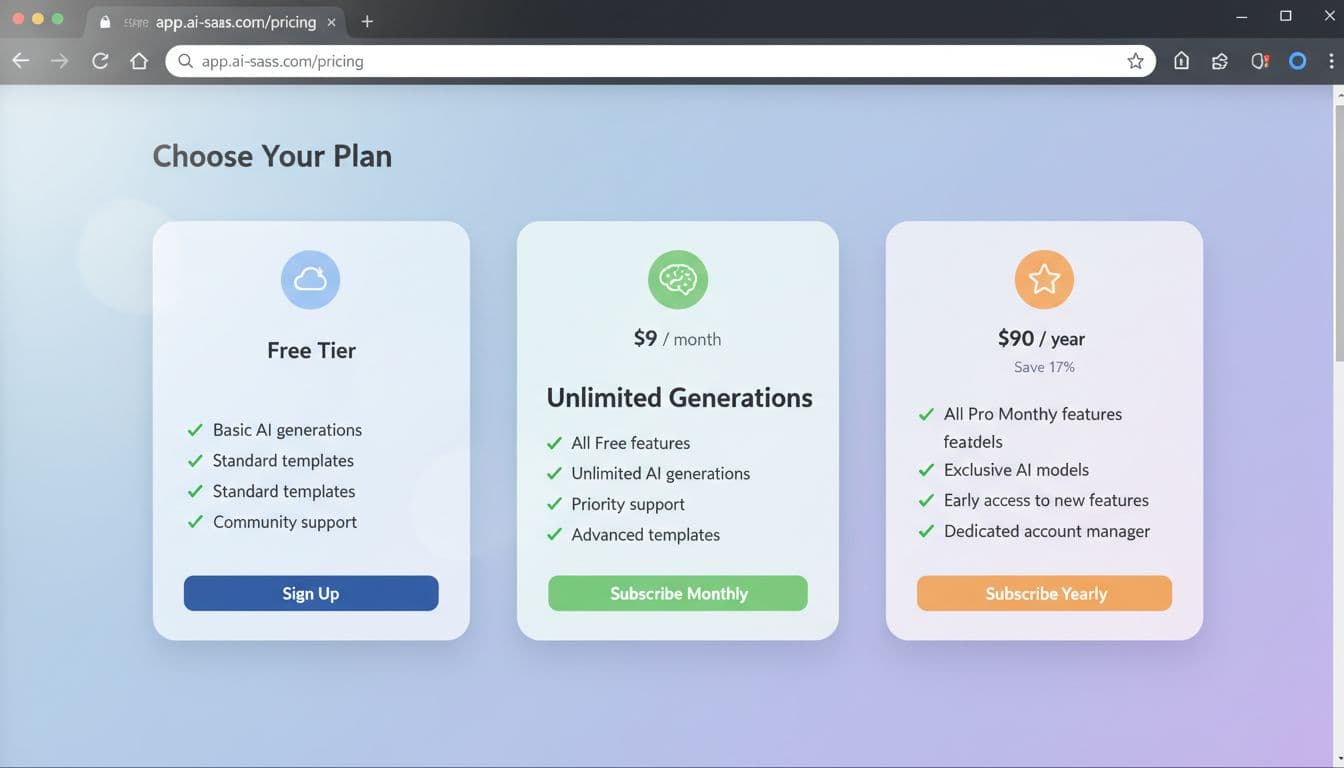 A simple pricing structure that matches how people buy AI tools today (created with AI).
What I learned building an AI SaaS in 2026 (mistakes, fixes, and what I would do next)
A few lessons hit me in the face (in a good way):
- One prompt won’t build a product, it builds a draft.
- Ship the MVP first, then polish based on real usage.
- Track AI costs early, even if you think it’s “tiny right now.”
- Keep pricing simple, people don’t want math homework.
- Focus on one core feature, extra features can wait.
- Validate with real users, friends don’t count unless they pay or complain.
- Promotion matters as much as building, because great tools still die quietly.
If you want a strong example of why speed, infrastructure, and monetization matter in AI products, this story is worth reading: FAL generative media platform story.
Weekend next steps checklist:
- Pick one user and one painful task.
- Write a prompt for the smallest working app.
- Test it, break it, fix one issue at a time.
- Add a basic paywall or credit limit.
- Share it in a community where the user already hangs out.
Conclusion
Building an AI SaaS in 2026 comes down to one thing: ship something small that works, then improve it through tight testing loops. Once it’s solid, choose a monetization path that fits your goal, platform credits for fast validation, freelance builds for quick cash, or subscriptions for long-term upside. Pick one problem today, build the smallest version, and set pricing that’s honest and easy to understand.